
How to remove the drums from a song and make a drumless track
Run the song through a stem separator, mute the drum stem and play along with everything else. The drum stem is useful too: solo it to learn the groove and fills before you take the drummer's place.
Why drumless tracks beat a metronome
A click tells you where the beat is. A drumless track tells you how the song feels: where the band pushes, where it lays back, where the fills go. Practicing to the real song, without the drummer, is the closest you can get to playing with that band.
Step by step
- Get a good copy of the song. WAV or another lossless file separates more cleanly than a small MP3. Save audio from a link as WAV.
- Split the song into stems. You need at least drums and "everything else", but a full split (vocals, drums, bass and so on) lets you also turn the bass up, which helps you lock in.
- Learn the part from the drum stem. Solo it and listen through the song section by section. Write down the basic groove, then the fills.
- Mute the drums and play. Use headphones or in-ear monitors with enough isolation to hear the track over your kit.
- Loop the hard sections (fills, transitions, the bridge) instead of playing from the top each time.
- Record yourself over the drumless track and compare with the original drum stem. Timing drift shows up immediately.
Practice tips
- Keep the original drums very low as a guide the first few times, then mute them completely.
- Turn the bass stem up slightly. Kick and bass lock together, so hearing the bass clearly tightens your timing.
- Electronic kits: route the track into the same headphones as your module so you hear both together.
Where AudioPrism fits
AudioPrism is a desktop app for Windows and Mac (Apple Silicon). It splits songs offline with Demucs and has a built-in mixer to practice in.
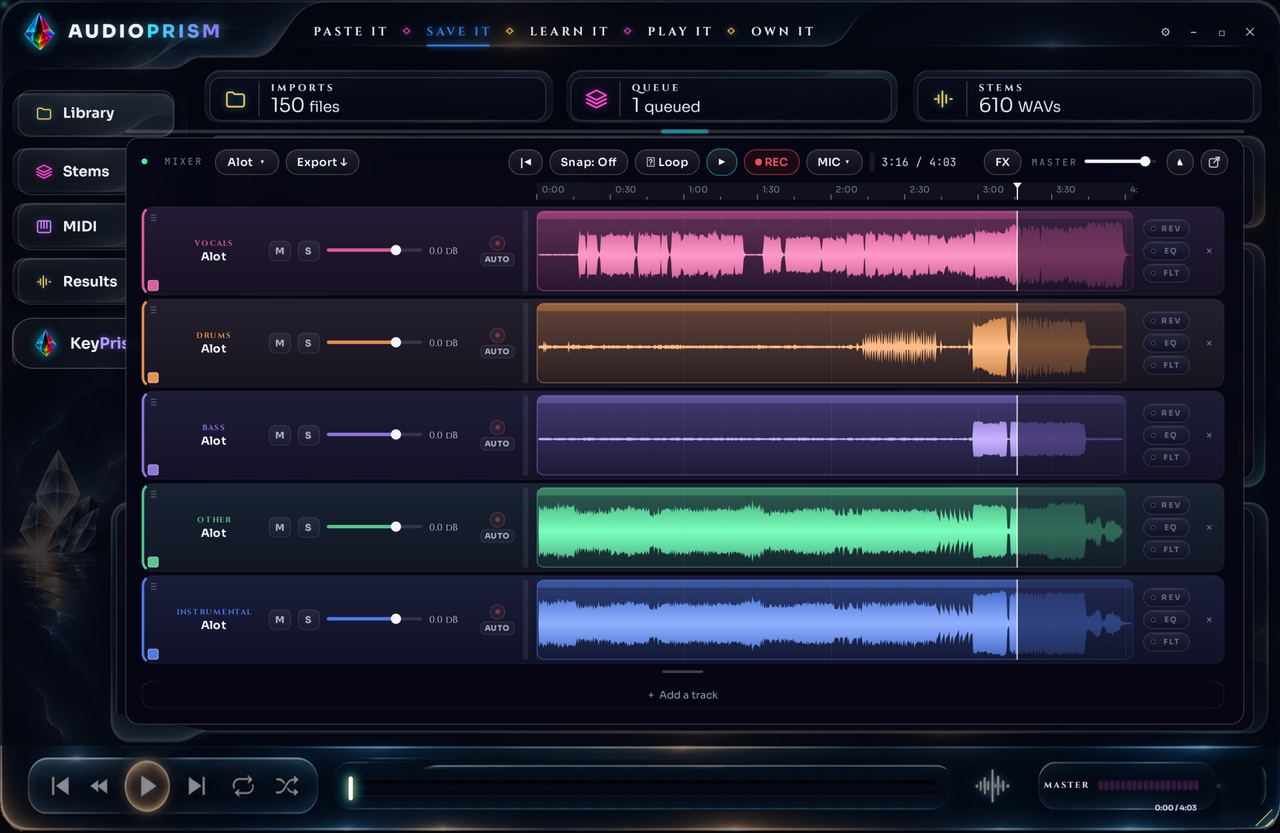
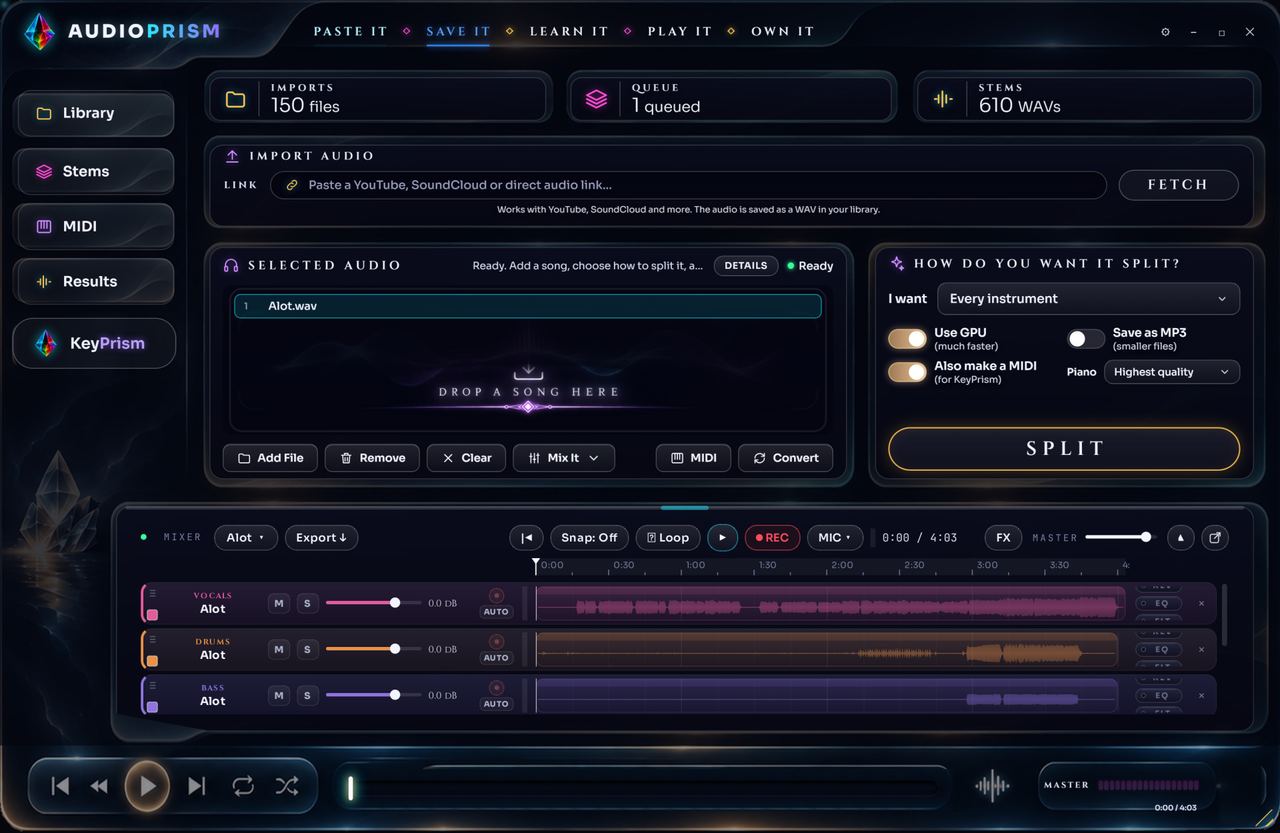
- Drop in a file, or paste a YouTube, SoundCloud or direct link. Linked audio is saved as a WAV.
- Choose every instrument to get all six stems: vocals, drums, bass, guitar, piano and other. Or choose the drums alone to study them.
- In the mixer, mute the drums (or leave them quiet as a guide), raise the bass, loop the section you're on, and record yourself.
- Export the mix you hear as one file to take to rehearsal.
Your songs stay on your computer: no upload, no account, no daily limit. Any stem exports to MIDI with one button, and KeyPrism, the piano trainer built in, teaches the piano part as falling notes if you play keys as well.
Honest limits
- The drum kit comes out as one stem; kick, snare and cymbals are not split.
- Loud cymbals can leave faint traces in other stems.
- Splitting is fastest on an NVIDIA GPU and falls back to the CPU without one. On Mac it needs Apple Silicon (M1 or newer, macOS 12+).
- The Windows download is a 7.3 GB zip.
Questions people ask
Will there be any drums left in the drumless track?
Sometimes a faint trace, mostly cymbals in loud, busy sections, because they share high frequencies with vocals and bright guitars. Under your own playing it is rarely noticeable.
Can I split the kit into kick, snare and cymbals?
Not in AudioPrism. The drums come out as one stem.
How do I hear the click or tempo?
Use the isolated drum stem at a low level as your guide, or set your DAW's metronome to the song's tempo after you export the stems.
Can I save the drumless mix as a file?
Yes. The mixer's Export button saves what you hear, with your mutes and levels, as one audio file you can take to the practice room.
What about bass players?
The same steps work: bass has its own stem, so you mute the bass instead and play the line yourself.